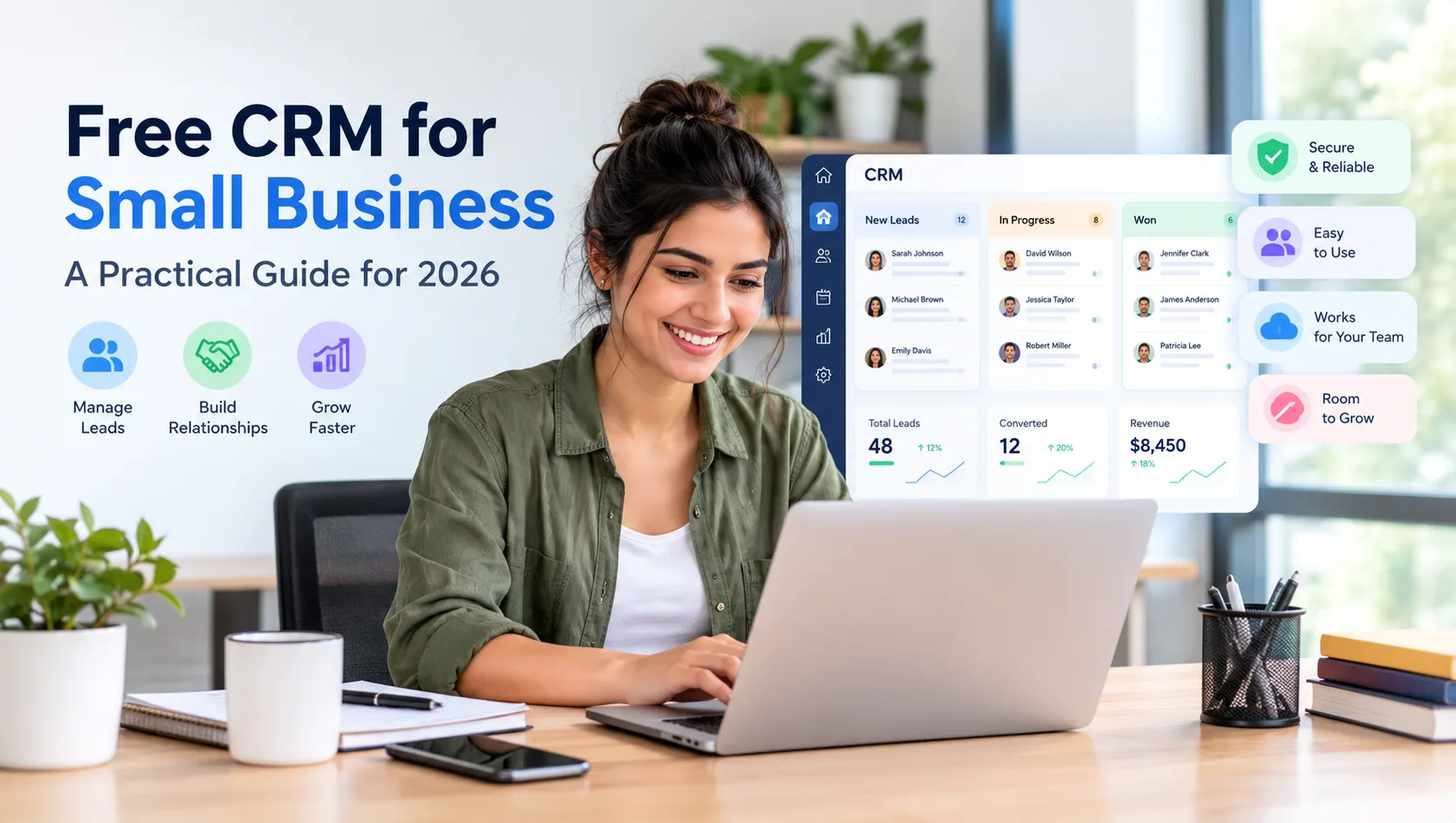
If you run a small business, you have probably typed "free CRM for small business" into Google and ended up with a dozen tabs open, each one promising the world and most of them quietly steering you toward a paid plan. This guide cuts through that. We build business software for small teams, so we will walk you through what a free CRM actually does, where free plans help and where they fall short, what to look for before you commit, and how to get set up without wasting a weekend. By the end you will know how to pick free CRM software for small business that genuinely fits how you work.
What is a free CRM for small business?
A CRM, short for customer relationship management, is the system a business uses to keep track of its leads, customers and every interaction with them. A free CRM for small business gives you that system at no cost, so a small team can organize its sales and customer work without paying for software before the revenue is there to justify it.
In plain terms, it replaces the messy mix of spreadsheets, sticky notes and inbox searches that most small teams start with. Instead of a contact scattered across three files, you get one shared record for each customer that holds their details, the history of calls and emails, the quote you sent, and the next step someone needs to take. Your whole team can see it, which is the part a spreadsheet can never quite manage.
Is free CRM software good enough for a small business?
Here is the honest answer that most comparison pages skip. For a lot of small teams, a good free CRM is genuinely enough, at least to start. If your core need is to stop losing leads, keep customer history in one place and make sure follow ups happen, free software handles that well.
Where free plans get frustrating is the fine print. Many are really short trials with a countdown to a paywall. Others cap the number of users or records so tightly that you outgrow them in a month, or they lock basic security behind a paid tier. The skill is not finding the CRM with the longest feature list. It is finding one whose free plan you can actually run a business on, and that will grow with you when the time comes.
The benefits of a CRM for a small team
Before comparing options, it helps to be clear about what you are actually buying, even at zero cost. A CRM earns its place by doing a few things well.
- Fewer leads slip away. Every enquiry lands in one list with an owner and a next step, so nothing goes cold because everyone assumed someone else had it.
- One shared view of each customer. Anyone on your team can pick up a conversation without starting from zero, which keeps service consistent as you grow.
- Follow ups that actually happen. Reminders and a visible pipeline mean the quiet deals do not get forgotten in a busy week.
- Decisions based on real numbers. You can see how many leads you have, where they are stuck, and what is converting, instead of guessing.
- A tidy handover. When someone is away or leaves, the customer knowledge stays with the business, not in one person's head.
What to look for in the best free CRM for small business
This is the part worth slowing down for. When you compare your options, judge each one against the things that matter for a small team rather than the length of the feature list.
A free plan that is really free. Check whether you are signing up for a plan you can stay on or a trial that expires. The best free CRM for small business lets you work without a card and without pressure.
Simple enough that people use it. A CRM only works if the team keeps it updated. Look for a clean layout and a setup measured in minutes, not a system so complex that everyone drifts back to spreadsheets.
Security included, not sold separately. Your customer data deserves protection from day one. Encryption, two factor authentication and access controls should come with the free plan, not an upgrade you are nudged toward later.
Room to grow. You want a free plan that leads into affordable paid plans on the same platform, so you are not forced to migrate everything to a new system the moment you expand.
Connected to the rest of your work. A plain contact list still leaves you paying for separate invoicing and time tracking. A CRM that links to billing and delivery saves you from juggling several subscriptions.
Common mistakes small businesses make when picking a free CRM
From working with small teams, the same avoidable missteps come up again and again. Watch for these.
- Choosing on features you will never use. A long list looks impressive and then overwhelms the team. Pick for the two or three jobs you actually need done well.
- Ignoring the limits until they bite. Read the user and record caps before you import everything, so you are not forced into a sudden upgrade mid month.
- Treating the CRM as an island. If your customer data cannot flow into invoicing or time tracking, you end up entering the same information two or three times.
- Skipping team buy in. The best software fails if nobody updates it. Involve the people who will use it daily before you decide.
Why a connected free CRM beats a standalone one
Most free CRMs do one job, managing contacts, and leave everything else to other apps. That is fine until you notice how much time goes into moving the same data between them. The customer you win in the CRM has to be typed again into your invoicing app, and the hours you work get logged somewhere else entirely.
An all in one platform removes that friction. When your CRM shares the same workspace as invoicing, timesheets and documents, the customer you win flows straight into the work you deliver and the invoice you send. For a small team, running fewer, better connected apps almost always beats a longer list of separate subscriptions that do not talk to each other.
How to get started with a free CRM
Switching to a CRM sounds like a project, but for a small team it is usually an afternoon. The path looks like this.
- Create your free account. Pick a plan that does not need a credit card so you can try it with zero risk.
- Add your team and set permissions. Decide who can see and edit what before you load any data.
- Import your customers. Bring your existing contact list in from your spreadsheet in one go.
- Set up your pipeline. Match the stages to how you actually sell, from first contact to won.
- Start working in it daily. The habit is what makes a CRM pay off, so log calls and update deals as you go.
When it is time to move beyond a free plan
A free plan is the right place to start, and a few clear signs tell you when you have outgrown it. You find yourself copying customer data into separate apps again. Your team has grown and you need more control over roles. You want more of the business running in one place. The best setup lets you move up within the same platform, so you keep your data and never start over.
Where Hexa Piper fits
We built Hexa Piper as an all in one platform for teams of 5 to 50, and the Hexa Free plan reflects the advice above. It is genuinely free at $0 per user per month, with no credit card to get started. Security is included on every plan, including the free one, with encryption, two factor authentication, role based access, audit trails and HIPAA ready controls. And because the CRM shares one workspace with invoicing, timesheets and documents, your customer records connect to the work you deliver instead of sitting in isolation. When you are ready for more, paid plans start at $12 per user per month, and you can try them free for one month. You can see the free CRM plan here or start free in a few minutes.
Frequently asked questions
What is the best free CRM for small business?
The best free CRM for small business is the one that fits how you work, with a plan you can genuinely stay on, security included, and room to grow. If you want more than a contact list, an all in one platform that also covers invoicing and time tracking will stretch much further than a standalone CRM.
Is a free CRM really free, or is it a trial?
It depends on the product. Some free CRMs are permanent plans, while others are short trials that expire. Always check before you commit. Hexa Piper's Hexa Free plan is $0 per user per month with no credit card required.
Can a free CRM handle a growing small business?
Yes, as long as it offers a clear upgrade path on the same platform. Start free, then move to a paid plan when you need more users, more control or more modules, without migrating to new software.
Is my customer data safe on free CRM software?
It should be, but it is not guaranteed on every product, so check what the free plan includes. On Hexa Piper, encryption, two factor authentication, role based access and audit trails come with every plan, including the free one.
Do I need technical skills to set up a free CRM?
No. A good free CRM for small business is built for non technical users. Most small teams import their contacts and are working in the system within about ten minutes.
Written by the Hexa Piper team, who build all in one business software for small teams. For more practical guides, visit the Hexa Piper blog.